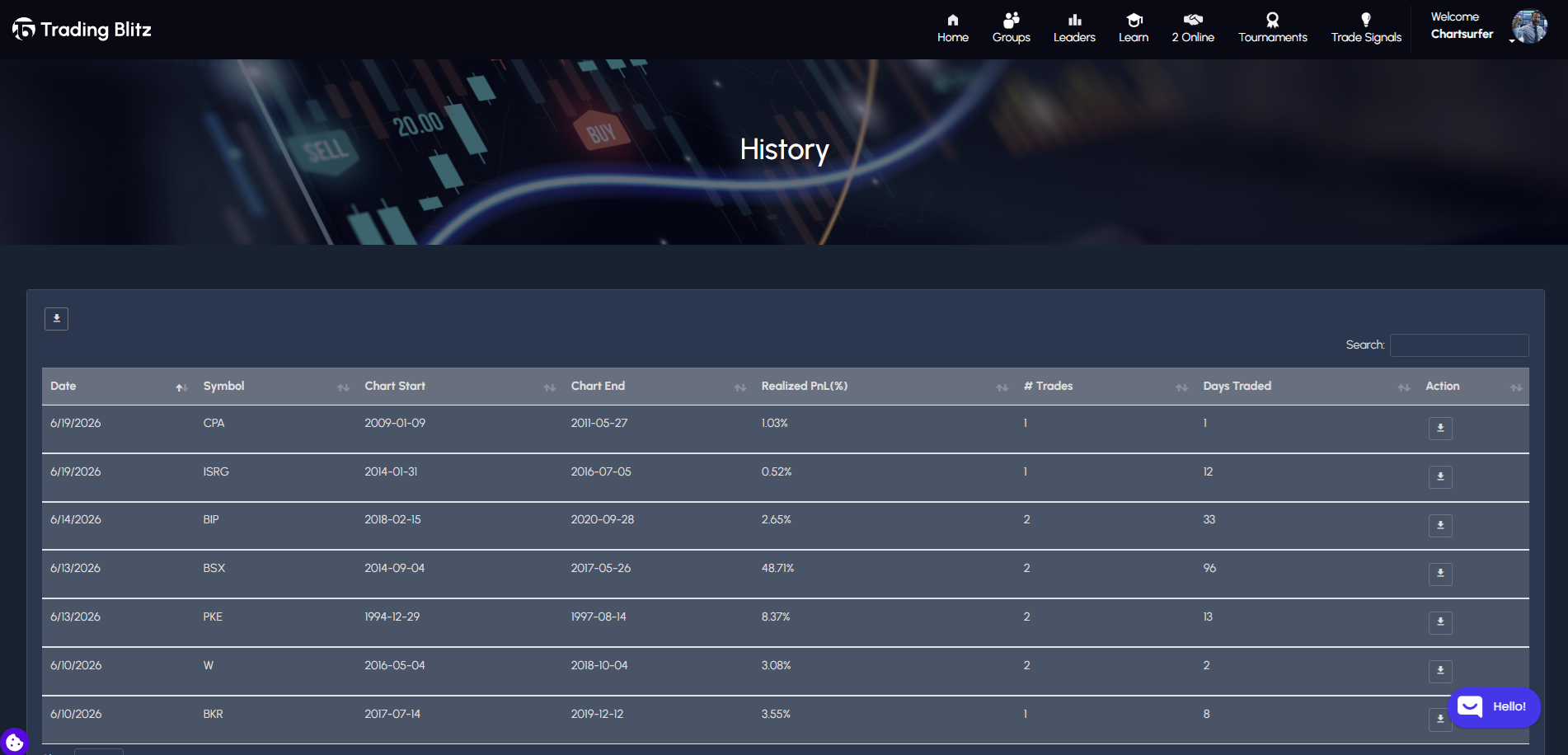
Free members can download their trade history one stock at a time. Premium members can export their full trade history as a single downloadable file. This lets you analyze your trades in a spreadsheet, track performance trends over time, or keep a personal trading journal outside of the platform.
How to Export Your Trade History
- Log in to your Trading Blitz account.
- Go to your Trade History page.
- Click the Export button.
- The file will download to your device.

What Is Included in the Export?
Your exported trade history includes a record of every completed trade, with details such as:
- Ticker
- Trade direction (long or short)
- Entry and exit prices
- Position size (quantity)
- Realized PNL (dollar and percentage)
- Start and End dates

What You Can Do With Your Export
Your trade history data can help you identify patterns in your own performance. For example, you might notice your win rate is significantly higher on certain chart patterns, or that your losses tend to cluster when you use leverage above a certain level. That kind of analysis is difficult to do inside the platform but straightforward once the data is in a spreadsheet. Alternatively, upload your data to AI and see what patterns it can find